
Your LinkedIn profile picture is often the first impression you make on potential employers, clients, and professional connections. With over 930 million users on LinkedIn, standing out with a well-optimized profile picture has never been more crucial. While tools like CapCut Commerce Pro offer advanced features for image editing, understanding the fundamentals of profile picture optimization is essential for making a strong professional impression.

In today’s digital-first professional world, your LinkedIn profile picture serves as your virtual handshake. Whether you’re job hunting, networking, or building your personal brand, the quality and presentation of your profile picture can significantly impact your professional opportunities. First, let’s understand the technical requirements for LinkedIn profile picture size to ensure your image meets the platform’s standards.
Technical Requirements and Specifications
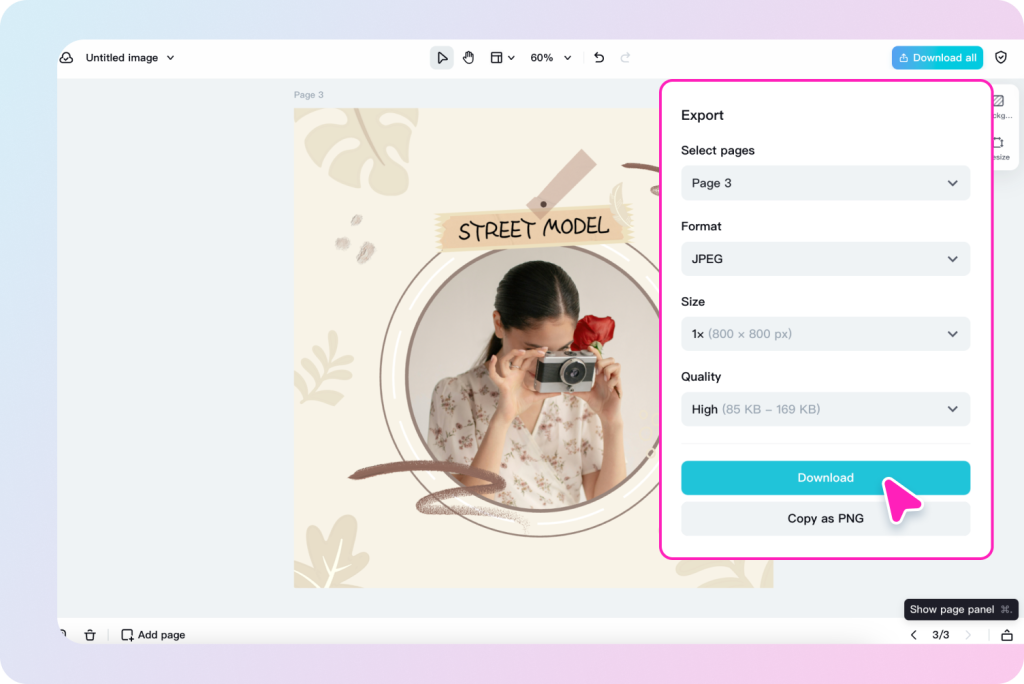
LinkedIn has specific requirements for profile pictures to maintain quality and consistency across the platform. According to LinkedIn’s guidelines, photos must be between 400 x 400 pixels and 7680 x 7680 pixels, with a maximum file size of 8MB. The platform accepts JPG, PNG, or GIF formats, though animated GIFs won’t play. For optimal results, aim for a square image with dimensions of 400 x 400 pixels.
Professional Photography Tips
The key to a great LinkedIn profile picture goes beyond technical specifications. Here are essential tips for capturing a professional image:
Lighting is Critical
- Use natural light when possible, facing toward a window
- Avoid harsh overhead lighting that creates unflattering shadows
- Consider professional lighting if available
- Ensure your face is evenly lit
Background Selection
- Choose a clean, uncluttered background
- Neutral colors work best (white, grey, or muted tones)
- Ensure sufficient contrast between you and the background
- Avoid busy patterns or distracting elements
Framing and Composition
- Position your face to occupy about 60% of the frame
- Keep your eyes on the upper third of the image
- Maintain good posture with shoulders visible
- Ensure your head isn’t cropped awkwardly
Dress Code and Presentation: Industry-Specific Guidelines
Corporate and Financial Sectors
Men:
- Well-tailored dark suits (navy, charcoal, or black)
- Crisp white or light blue dress shirts
- Conservative ties in solid colors or subtle patterns
- Professional grooming with a neat haircut and clean-shaven or well-maintained facial hair
- Minimal accessories (simple watch, wedding ring acceptable)
Women:
- Tailored blazers in neutral colors
- Professional blouses or shells in solid colors
- Conservative necklines and sleeve lengths
- Simple, professional jewelry (stud earrings, delicate necklaces)
- Polished makeup and well-groomed hair
- Avoid overly bright colors or distracting patterns
Creative Industries (Design, Marketing, Media)
Men:
- Smart casual blazers or well-fitted button-downs
- Contemporary cuts and styles
- Thoughtful color coordination
- Option to incorporate industry trends while maintaining professionalism
- Clean, modern accessories
Women:
- Modern blazers or sophisticated tops
- Stylish yet professional cuts
- Artistic accessories that don’t overwhelm
- Contemporary hairstyles and makeup
- Bold colors acceptable if they complement your industry
Technology and Startups
Men:
- Smart casual approach
- Quality solid-color t-shirts or polo shirts acceptable
- Well-fitted casual blazers
- Modern-fit jeans (if appropriate for company culture)
- Clean, minimal aesthetic
Women:
- Modern business casual attire
- Contemporary cuts and styles
- Simple, tech-forward aesthetic
- Comfortable yet professional look
- Minimal, modern accessories
Remember: Your LinkedIn profile picture should make you look competent, approachable, and authentic while remaining appropriate for your industry and career goals. The key is to present yourself in a way that makes potential connections, employers, or clients feel confident in your professional capabilities.
Image Quality Optimization
To maintain professional image quality:
Use a High-Quality Camera
- Modern smartphones can work well with good lighting
- DSLR cameras offer superior quality
- Avoid using webcams or low-resolution devices
Image Editing Best Practices
- Adjust brightness and contrast for clarity
- Use subtle color correction if needed
- Avoid heavy filters or excessive editing
- Maintain natural skin tones
Common Mistakes to Avoid
Technical Errors
- Using photos that are too small or pixelated
- Over-compressing the image
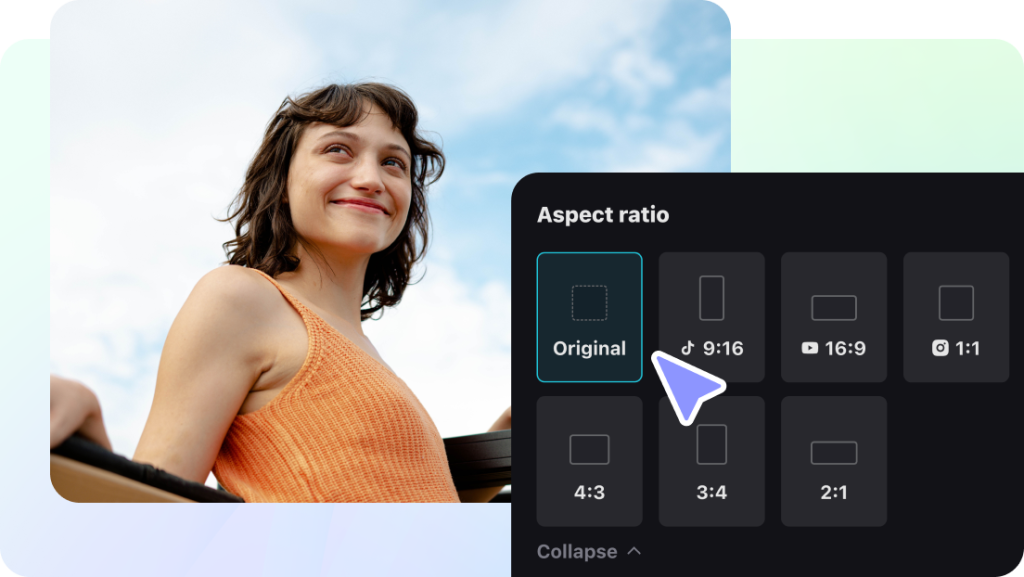
- Incorrect aspect ratio
- Poor cropping that cuts off parts of your face
Presentation Mistakes
- Using group photos or cropped group shots
- Overly casual or inappropriate settings
- Outdated photos that don’t reflect the current appearance
- Excessive filters or editing that looks unnatural
Professional Tools and Resources
- Image resolution validators
- File size optimizers
- Aspect ratio calculators
- Color balance analyzers
Implementation Tips
Once you have your optimized photo:
Regular Updates
- Update your profile picture every 2-3 years
- Ensure it reflects your current appearance
- Keep it consistent with your personal brand
Cross-Platform Consistency
- Use the same professional photo across business platforms
- Maintain consistent image quality across networks
- Adjust sizing appropriately for each platform
Testing and Feedback
Before finalizing your profile picture:
- Get feedback from professional colleagues
- Test how it appears on different devices
- Ensure it loads quickly and clearly
- Check visibility in both mobile and desktop views
Remember, your LinkedIn profile picture is a crucial element of your professional online presence. Taking the time to optimize it properly can significantly impact your networking success and career opportunities. Regular updates and attention to detail in both technical and aesthetic aspects will ensure your profile picture continues to serve you well in your professional journey.
By following these comprehensive guidelines and paying attention to both technical specifications and professional presentation, you can create a LinkedIn profile picture that effectively represents your personal brand and helps you stand out in the professional world.